 Bare Compare
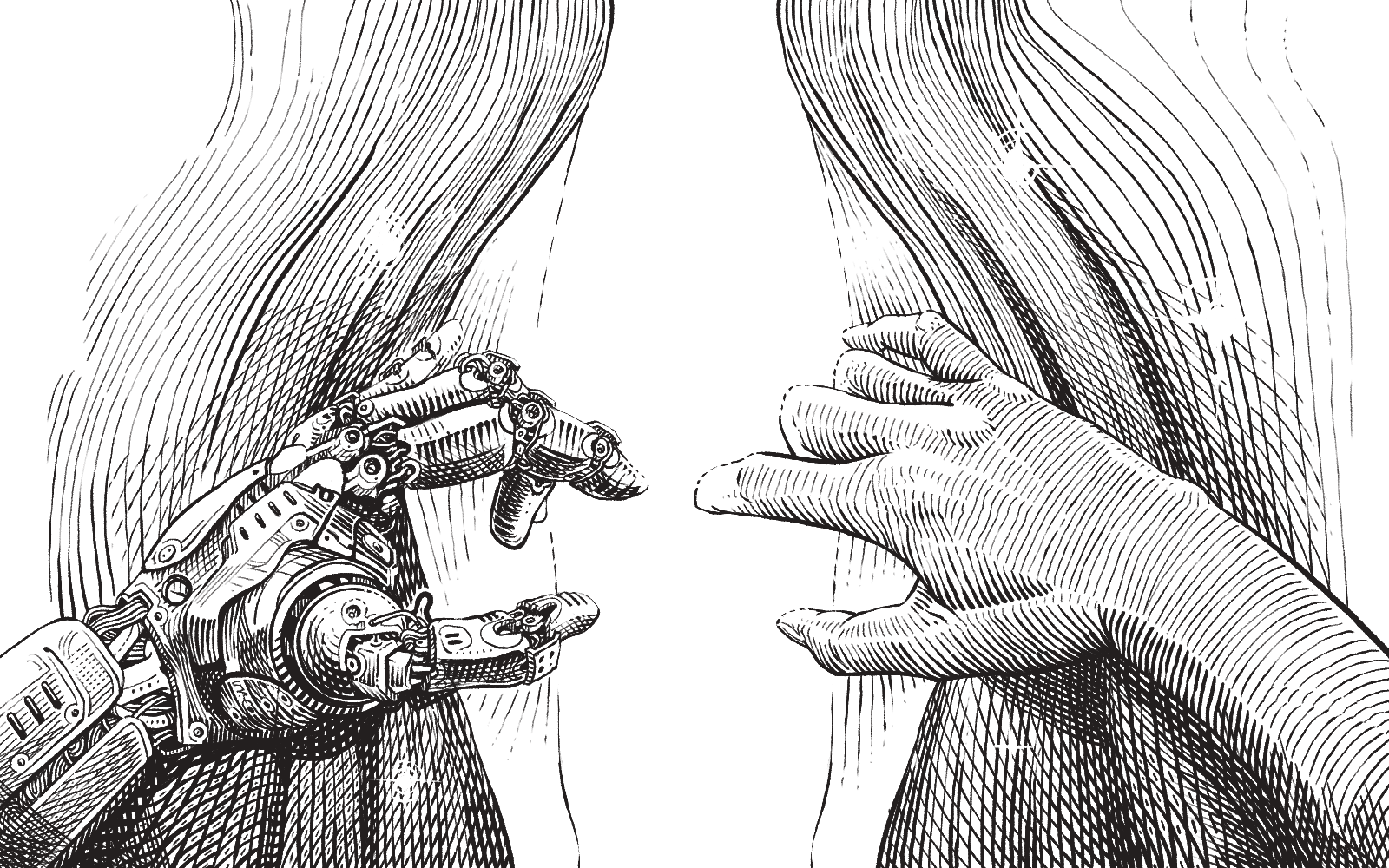
The difference, laid bare.
A native folder and file comparison tool for macOS, Windows and Linux. Side-by-side diffs that stay aligned, editing in place, and trees and files of any size — fast, offline, and yours.
Free while in development · v1 licence US$49, one-time + local tax
What it does
-
Folders and files, side by side
Compare whole trees, then open any pair — rows stay aligned, with character-level highlights inside changed lines.
-
Edit in place
Both panes are real editors. Fix a difference where you see it and save, without a round trip to another tool.
-
Archives, without unpacking
Open a zip as if it were a folder and compare it against the real one. A two-pane browser gets you to any pair.
-
Built for big
Huge directories and multi-gigabyte files open without loading everything into memory, and stay scrollable while they compare.
-
Offline by design
No account in the app, no activation server, no phone-home. Your files and your licence never need the network.
-
Light and dark
Follows your system theme, in your choice of proportional or monospaced type, with a scroll map of the whole comparison.
-
Signed and self-updating
Signed installers on macOS and Windows (macOS notarized), with updates that never cross a paid version boundary.
How it's built
Bare Compare is written in Rust and draws its interface on the GPU through GPUI, the toolkit built for the Zed editor. There is no browser engine inside it, and no garbage collector pausing at the wrong moment — which is why it starts quickly and keeps scrolling smoothly through trees and files that stall other tools. Syntax highlighting comes from tree-sitter: it parses the code rather than pattern-matching it, so a source diff is coloured the way your editor colours it.
Download
Bare Compare is early software under active development, and free to use while it is. None of the builds are a finished product yet.
Universal .pkg for Apple Silicon and Intel, signed and
notarized by Fruit Salad Tech Pty Ltd. Updates itself.
Advanced
Per-user Setup.exe, signed by Fruit Salad Tech Pty Ltd —
no admin rights required. Updates itself.
Advanced
Download for Linux x64 Download for Linux ARM64
Per-user .AppImage — no install step, just
chmod +x and run. There's no signing equivalent on
Linux, so a SHA-256 checksum ships next to each build instead:
x64,
ARM64.
Advanced
uname -m: x86_64
takes the x64 build, aarch64 the ARM64 one — a
Raspberry Pi, an Ampere or Graviton machine, a Linux VM on an Apple
Silicon Mac, or WSL2 on an ARM laptop. The AppImage already is the
portable version.
Buy
US$49 one-time, plus local tax
Bare Compare is free to use while it is in development. If it's already earning a place in your day, you can buy your v1 licence ahead of the 1.0 release: it's perpetual for every 1.x build, it also covers any major version that ships within six months of your purchase, and it works on all your machines — there is no activation and no seat count. The key arrives by email.
Checkout didn't start — nothing was charged. Please try again in a minute, or write to support@barecompare.app.
Checkout and payment are handled by Stripe. The price is in US dollars; any sales tax, VAT or GST for your country is calculated at checkout and added to it, so the total is shown before you confirm. The charge appears as Link, Stripe's merchant of record. See the refund policy and licence agreement. Already bought? Sign in with your purchase email to retrieve your key any time.